
PUBG Aimbot Settings — No-Sway, Control Recoil, and Long-Range Tuning
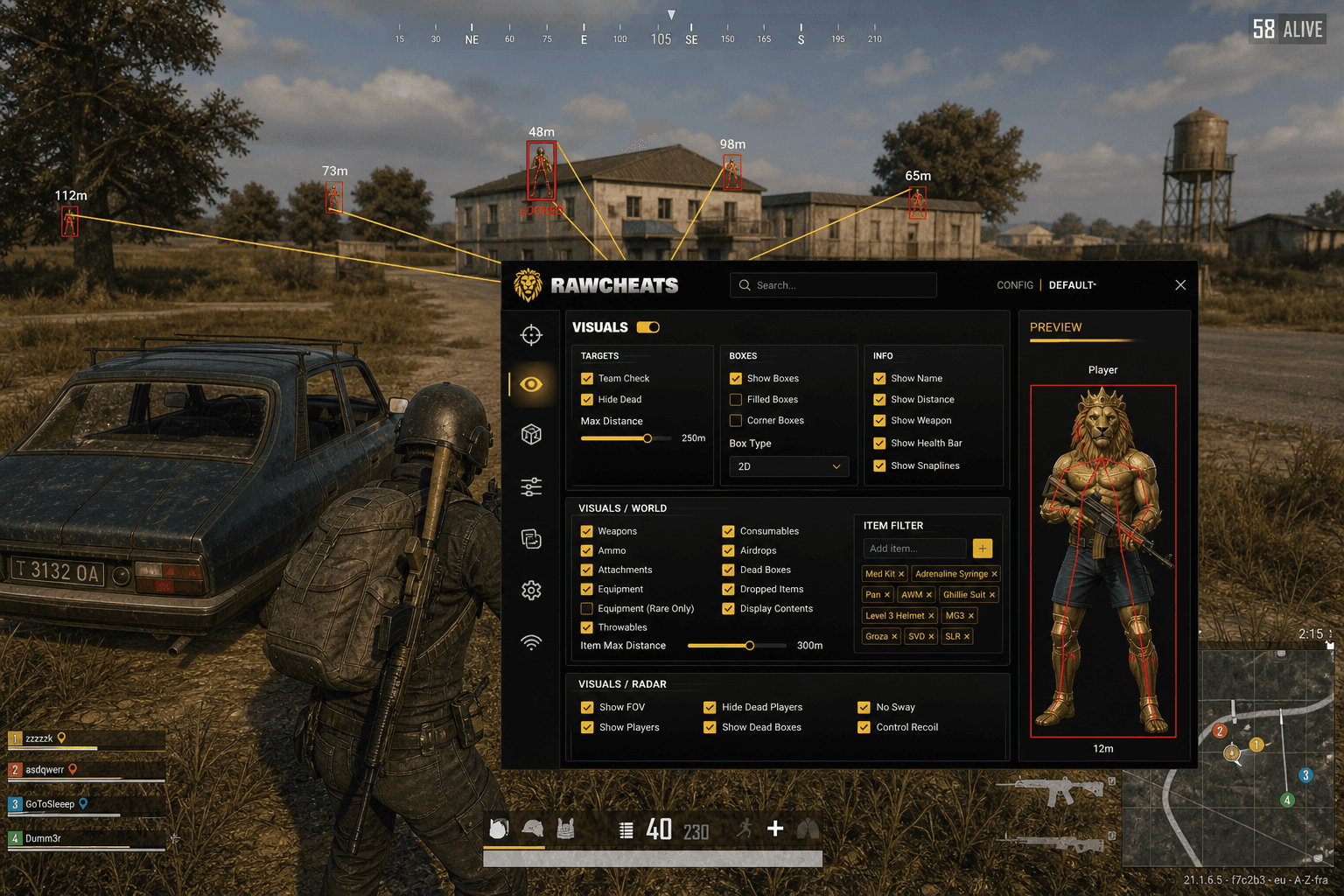
Post-Feb-2026 PUBG aimbot tuning. Dynamic Control Recoil + No-Sway, FOV cones for scoped fights, per-weapon auto-prediction at 600m+.
The Feb 23 - Mar 1, 2026 ban wave killed 45,000+ PUBG accounts in seven days. The breakdown from the PUBG Weekly Bans Notice put no-recoil at 12% of detections — small in percentage terms, large in implications. For the first time at scale, Krafton's BattlEye + Zakynthos pipeline caught mouse-script no-recoil that had been quietly working for years. If you tuned your PUBG aimbot in 2024 and didn't touch the settings since, the 2026 product behaves differently — classic No Recoil is gone from the safe-to-use list, Control Recoil (dynamic) replaced it, and the long-range tuning Krafton's behavioral models tolerate is tighter than it used to be.
This post is a cluster of the PUBG Cheats Complete 2026 Guide pillar. The pillar covered the stack at a high level. This is the deep tuning reference for Raw PUBG's aimbot tab — every setting, what it does, the values that survive 2026.
The four controls that produce 90% of the difference
PUBG's aimbot tab has more toggles than CS2 or Valorant aimbots because PUBG's engagement profile is wider — 5m peeks, 600m scoped fights, vehicle drive-bys, prone-in-grass mid-game cleanups all in the same match. Most of the toggles matter on the margin. Four controls produce the gameplay-shaping decisions; everything else is fine-tuning.
Bone Priority. Raw PUBG ships a four-slot draggable priority picker — Head, Chest, Arms, Legs. The bot attempts the top slot; if that bone is invalid (occluded, outside FOV cone, dead target, friendly), it falls down the list. The standard production stack is Head → Chest → Arms → Legs and that's the right answer for the majority of ranked play. For tournament-tier accounts where replay review is a real risk, dropping to Chest → Head → Arms → Legs reduces your headshot-rate percentile from "instantly suspicious" to "elite-player plausible." This is the only aimbot decision that genuinely changes based on whether someone might spectate your match.
FOV Cone. Slider 0-100%. At 0% the bot only assists on targets dead-center; at 100% it'll track anywhere on screen. PUBG's profile differs from CS2 because scoped engagements live inside a much tighter visual cone. The recommended ranges:
- Pubs / casual play: 40-60% — generous, lets you actually move the camera around without auto-tracking everything.
- Ranked play: 20-40% — tight enough to look like aim-discipline, generous enough to assist on engagements you're aware of.
- Sniper-only fights and scoped engagements: 5-15% — the cone matches the scope's FOV, which is already narrow.
- Tournament / streamer-watched play: 10-25% — replay review treats wide FOV cones as suspicious; stay tight.
Don't run higher than 60% in any mode where someone might watch your replay. Krafton's AI video review explicitly looks for snap angles too wide to be human attention.
Smoothness. Slider 0-500. Lower = faster, more visibly mechanical. Higher = slower, more human-flick. Recommended ranges:
- Pub stomping: 100-200, forgives bad mouse position.
- Ranked: 200-350, looks like a fast pro flick.
- Tournament: 300-500, the spectator-safe band where the input curve passes for human.
Going below 100 produces snaps that show up unmistakably in replay; the AI video review will catch you on this alone.
Visible-Only filter. When ON, the aimbot ignores enemies hidden behind terrain, buildings, or vehicles. When OFF, it tracks through walls (but won't fire — silent firing requires a separate exploit toggle and isn't a feature we ship safely). Default ON for ranked and tournament. Some users prefer OFF for casual so they can see the aim hint move through buildings — that's a UI preference, not a fire-discipline choice.
Tune those four correctly and the rest of the aimbot tab is fine-tuning around edges that matter less than people pretend.
Auto-prediction handles bullet drop for every weapon
PUBG's signature engagement profile is the 600m+ scoped fight, and that means bullet drop and travel time are part of every shot. A 2024-era aimbot expected you to tune a per-weapon drop slider — manually setting different compensation values for M24 vs Kar98k vs Mini14 vs SLR vs AWM. That's not how 2026 works.
Raw PUBG's Prediction toggle reads the equipped weapon's projectile parameters in real time and computes inverse compensation per shot — bullet speed, gravity coefficient, lead distance against target velocity. Snipers (M24, Kar98k, AWM, Mosin), DMRs (Mini14, SLR, SKS, QBU), ARs (M4, AKM, Beryl, M762), and SMGs all have distinct ballistic profiles handled out of the box.
If a vendor's marketing pitch includes per-named-weapon profile slots ("M24 config, Kar98k config, AWM config — save them separately"), they're either shipping a 2023-era cheat that didn't have auto-prediction or describing a feature that doesn't exist in their product. Modern auto-prediction handles bullet drop without per-weapon UI babysitting.
The setting to toggle: Prediction in the aimbot tab. On by default. Leave it on.
No-Sway and Control Recoil — the post-Feb-2026 safe meta
This is the section that matters most for Feb-2026-and-later PUBG. The Krafton mouse-script detector caught static no-recoil at scale; the survivors switched architectures. Here's what's safe and what isn't.
No-Sway — SAFE. Toggle that eliminates breath sway on scoped fire. The implementation reads the game's sway-application state and writes a null delta, removing the camera oscillation that happens when you ADS without holding-breath. Detection is hard because the sway suppression is a single delta-write per frame, not a recoil curve over time. This stayed safe through the Feb 2026 wave. Use it on scoped engagements (8x, 6x, 4x) where steady-aim matters.
Control Recoil (Dynamic) — SAFE. Toggle that reads the weapon's fired-shots state in real time, computes per-shot inverse compensation matching the weapon's actual recoil pattern, and feeds the compensation through the input pipeline with randomized human-error jitter. The randomization is the key — the system produces a slightly different curve every time you fire, with variance that matches what a real shooter does, not a script's pixel-perfect repetition. This is the technical answer to Krafton's mouse-script detector.
Classic No Recoil — DISABLED. Raw PUBG's exploits panel force-disables classic No Recoil because the implementation (subtract the recoil-pattern values from camera transform per-frame) is exactly what Krafton's analyzer flags. Even with ±5% jitter randomization on the curve, the underlying mathematical signature is machine-generated. Static scripts are no longer safe; we don't ship them.
No Shake — DISABLED. Same logic as classic No Recoil — the screen-shake suppression pattern is detected by the same statistical mechanism. Force-disabled in current Raw PUBG builds.
If you bought a different PUBG cheat that still advertises classic No Recoil as a marquee feature in 2026, that vendor is either ignorant of the Feb 2026 wave or shipping you a known-detected feature. Be careful.
FOV cone tuning for scoped engagements
The reason FOV cones run tighter in PUBG than in close-quarters shooters: scope-stacking. A 6x or 8x scope already restricts your visual cone to maybe 8-15° of the screen real estate. If your aimbot FOV is set to 50% of screen width while you're looking through an 8x, the cone is grabbing targets that aren't even visible through the optic — which looks wrong on replay and produces obviously-cheated peeks.
The right approach: tune FOV cone to match your scope's natural FOV. Practical settings:
- Red Dot / Holo: 30-50% (close-quarters profile).
- 2x / 3x: 25-40% (mid-range).
- 4x: 15-30% (the "Tampa" range for most fights).
- 6x / 8x: 5-15% (sniper-tight; the cone should match the scope optic).
- Iron sights / hip-fire: 40-60% (close-range CQB).
If you want to swap FOV by scope automatically, the workaround is config slots — save a "scoped" preset and a "CQB" preset, hotkey-swap between them when you change weapons. Raw PUBG's per-user config slots support multiple presets.
Aim Key + activation modes
Bind the aim key to any keyboard key, mouse button (M4, M5 are common), or controller input. Three activation modes in the dropdown:
- Hold — aimbot active only while you hold the key. The competitive standard; gives you manual control over when the bot engages.
- Toggle — single tap switches state, persists. Useful for long scoped engagements where holding a key is awkward.
- Always-On — aimbot active any time a target enters the cone. Don't use this. The behavioral analysis catches it because human players don't aim at every target every frame.
The aim-key choice matters more for OPSEC than people think. Using the same key as your fire button (left mouse) means the bot fires every time you click — which is exactly the pattern Krafton's behavioral models look for. Bind to a separate key (typically a side-mouse button or shift) so you can choose when to engage assistance.
Settings stack that survived the Feb 2026 wave
Quick reference for a build that held through the no-recoil wave. Tested in current Raw PUBG builds, ranked-tier play:
- Bone Priority: Chest → Head → Arms → Legs
- FOV: 25% (default), config slot for 10% scoped fights
- Smoothness: 280
- Visible-Only: ON
- Auto-Prediction: ON
- Aim Key: M5 (side mouse button)
- Activation Mode: Hold
- No-Sway: ON
- Control Recoil (Dynamic): ON
- Classic No Recoil: OFF (force-disabled in product)
- No Shake: OFF (force-disabled in product)
That stack passed through the Feb-Mar 2026 detection window and continues to function. Adjust to taste — but don't push smoothness below 200 or FOV above 50% in ranked.
What about Silent Aim?
Silent Aim is the exploit that fires the bullet at a different angle than your visible crosshair shows. It's in the exploits panel as a cautious-use feature with a hit-chance slider. The honest framing: Silent Aim does not shoot through walls — the target must still be in the engagement window — but it does make legitimate-looking misses suddenly hit. The detection risk is the highest of any aimbot feature because both behavioral analysis and replay review specifically look for "missed by a mile but registered as hit" patterns.
Use it on rage-tier alt accounts where survival isn't the goal. Don't use it on a main account you care about.
FAQ
What's the difference between Control Recoil and No Recoil in PUBG? Control Recoil is dynamic — reads weapon state in real time, computes per-shot compensation, randomizes the curve with human-error variance. No Recoil is static — subtracts a fixed compensation value from camera transform per frame. Krafton's Feb 2026 mouse-script detector catches static No Recoil reliably. Control Recoil with proper jitter randomization survives.
Should I keep auto-prediction on for close-range fights? Yes, it's smart enough to not over-correct on close-range. Auto-prediction computes lead distance based on target velocity and weapon projectile speed — at 5-20m the compensation is near-zero anyway. No reason to toggle it off.
What FOV cone do top players use? Tournament-tier players run 15-25% in scoped engagements. Anyone telling you they run 70%+ in ranked is either bullshitting or genuinely about to eat a ban.
Does the aimbot work with controllers? Yes, Raw PUBG supports controller input for keybinds — same activation modes (hold/toggle/always-on) bind to gamepad buttons. The aim curve doesn't care whether the input came from mouse or stick.
Why is classic No Recoil disabled in Raw PUBG? Because Krafton's Feb 2026 mouse-script detector flags it reliably. We force-disable features that produce known-bannable behavior — the alternative is shipping a feature that gets users banned. Use Control Recoil instead.
Can I run different FOV cones per scope automatically? Not as an automatic per-scope-detection feature. Use per-user config slots — save presets for CQB / mid-range / scoped, hotkey-swap them when you change weapons.
What smoothness value passes replay review? 300-500 is the spectator-safe band. Below 200 produces snaps visible on kill cam. Above 500 the bot is too slow to be useful for fast peeks; 280-380 is the sweet spot for ranked play.
Where to go from here
The settings above pair with the Visuals panel — the PUBG ESP 12-toggle world filter cluster covers wallhack and item ESP. For the broader anti-cheat context that explains why these settings work, read the How PUBG anti-cheat works cluster. For setup workflow, Setting up PUBG cheats safely in the Zakynthos era.
Raw PUBG ships every setting described above. Status posts at PUBG cheat status. Full pillar at PUBG Cheats Complete 2026 Guide.
