
How to Set Up Fortnite Cheats in 2026
Last updated · May 12, 2026
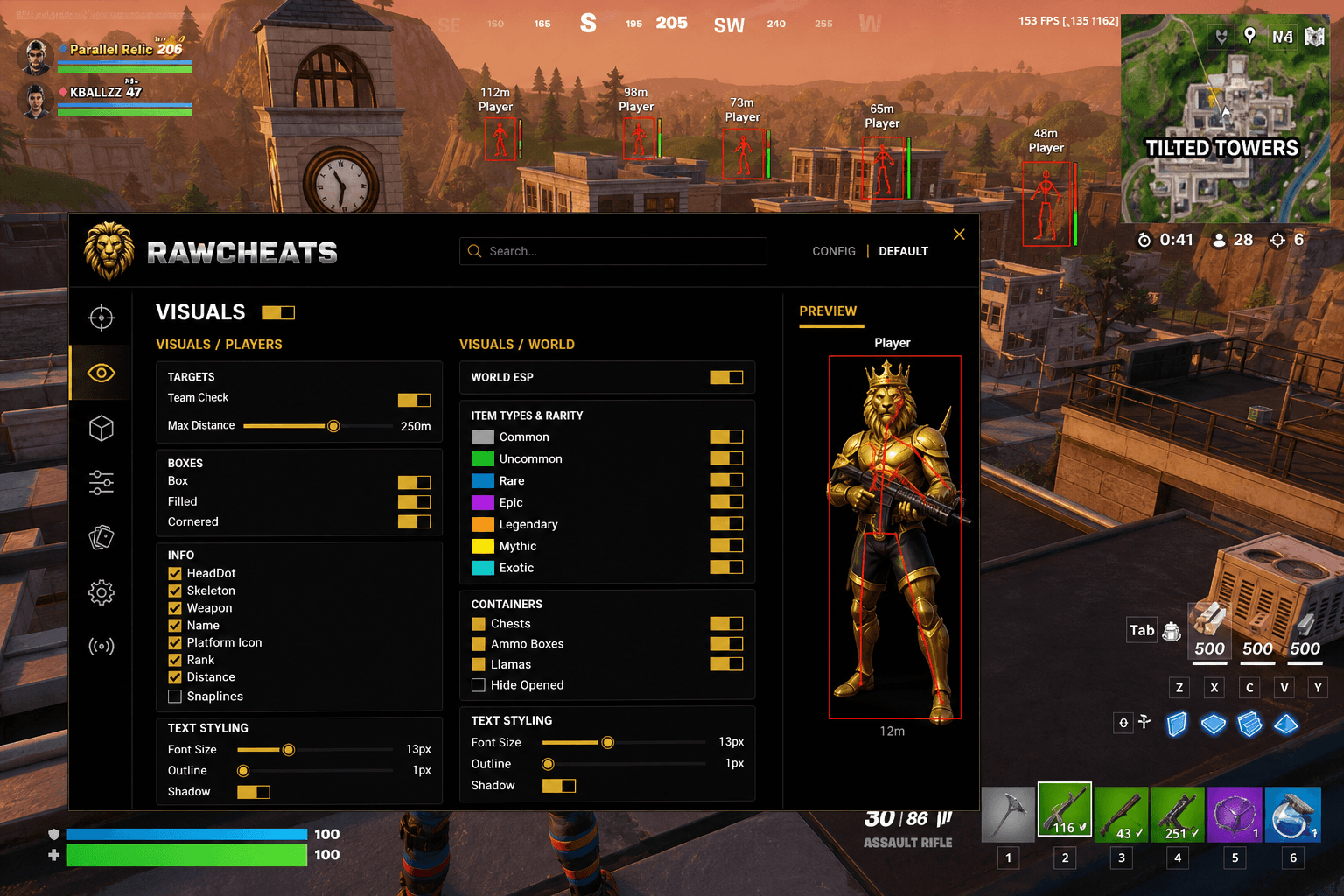
Setting up Raw Fortnite cheats takes under 5 minutes from purchase to first injection. This guide walks through every step — license activation, loader installation, game configuration, and verification.
Requirements: Windows 10 or Windows 11, Intel or AMD CPU, Secure Boot OFF (on Win 11), TPM optional. You'll need your RawCheats license key (delivered via email instantly after payment) and the Raw Loader (downloaded from the customer portal).
Step 1 — Download the Raw Loader
After purchasing Raw Fortnite, you'll receive an email with your license key and a customer portal link. Log in with the email used at checkout, navigate to "Downloads," and download the latest Raw Loader build for Fortnite. The loader is a small ~3MB Windows executable.
Step 2 — Disable Secure Boot (Windows 11 Only)
Reboot into UEFI BIOS (usually F2, F10, or Del during boot). Navigate to Boot or Security settings. Find "Secure Boot" and set to Disabled. Save and exit. On Windows 10, this step is optional but recommended if Secure Boot is currently enabled.
Step 3 — Run the Loader as Administrator
Right-click the downloaded Raw Loader executable and select "Run as administrator." Windows Defender or your antivirus may flag the loader — this is expected and the loader is signed and verified. Allow the launch.
Step 4 — Enter Your License Key
In the loader window, paste your license key into the input field. Click "Verify." Successful verification shows your subscription tier and expiration date.
Step 5 — Select Fortnite and Inject
From the game dropdown, select Fortnite. Launch Fortnite via Steam/Epic/Battle.net as you normally would. Once the game is at the main menu, click "Inject" in the loader. The cheat menu will overlay within 2-3 seconds.
Step 6 — Verify the Cheat Menu
The RawCheats overlay menu should appear on top of the game. The default keybind to toggle the menu is INSERT. Configure your aimbot FOV, ESP toggles, and other settings via the menu sidebar. Settings persist across sessions automatically.
Frequently Asked Questions
Does the Fortnite cheats setup require restart?
No — the loader injects in real time while the game is running. No restart of Windows is required.
Can I run Raw Fortnite on a laptop?
Yes — any Windows 10 or 11 laptop with Intel or AMD CPU works. The cheat uses minimal system resources and doesn't impact framerate.
What if Windows Defender flags the loader?
Add the loader directory to Windows Defender's exclusion list. The loader is signed and verified — flagging is a false-positive on the injection technique.
Do I need to re-inject every session?
Yes — the loader injects on demand. Run the loader → click Inject → play. Closing the game terminates the cheat overlay.
How do I configure the aimbot for my playstyle?
Open the cheat menu with INSERT, navigate to the Aimbot tab in the sidebar, and adjust FOV (start at 50%), Smoothness (start at 0.4-0.6), and Bone selection (Head for headshot-focused, Head+Chest for sustained DPS).
